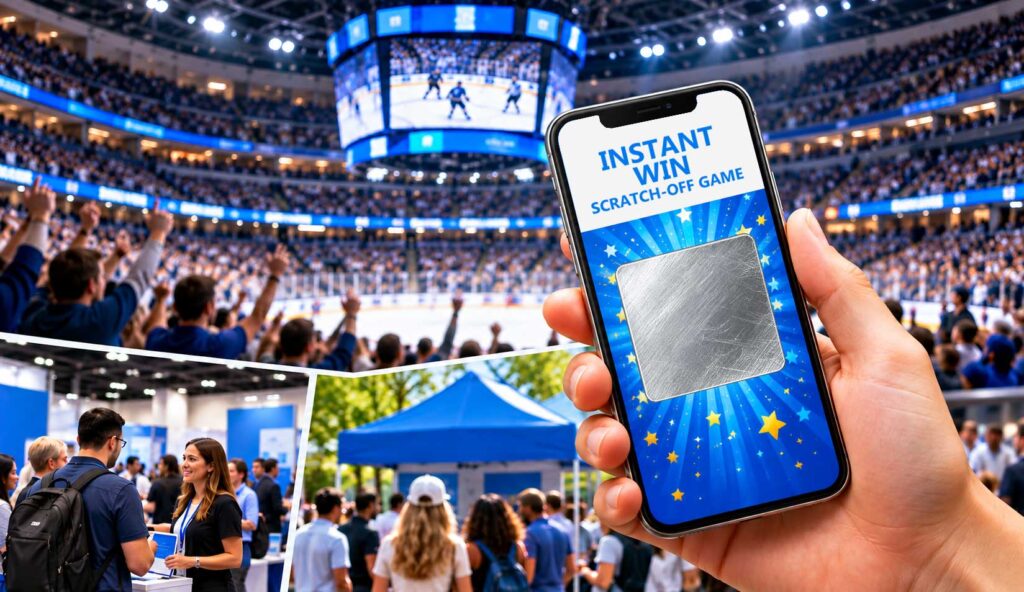
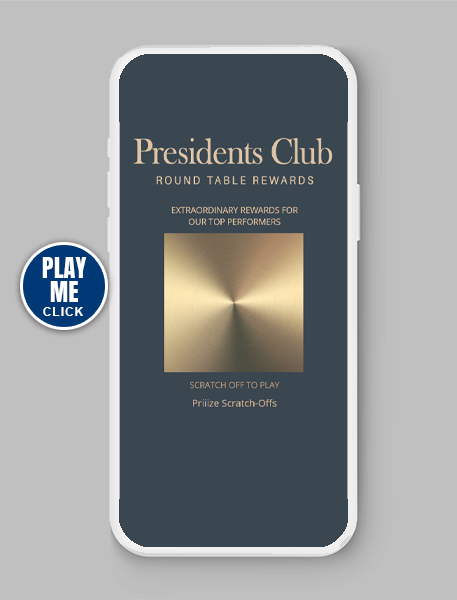
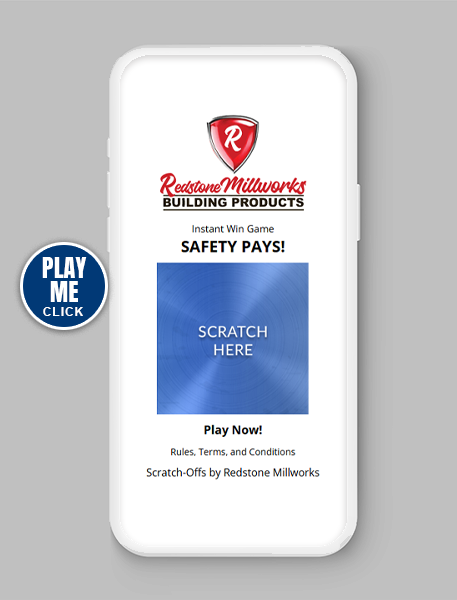
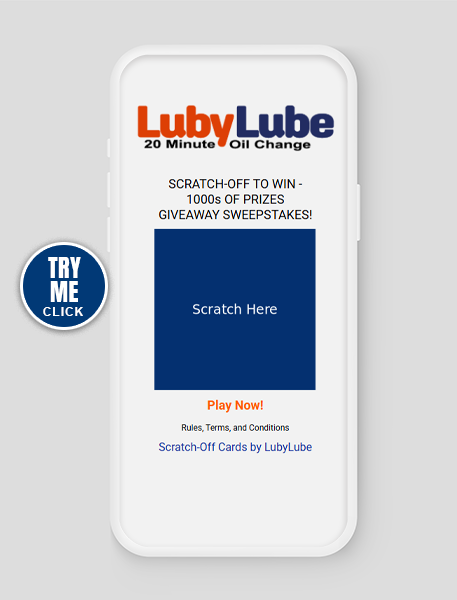
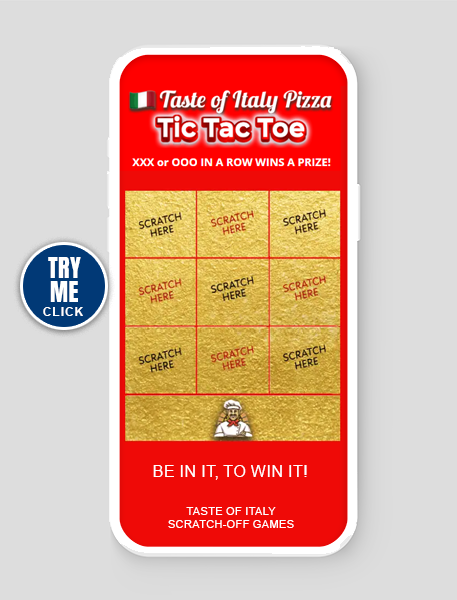
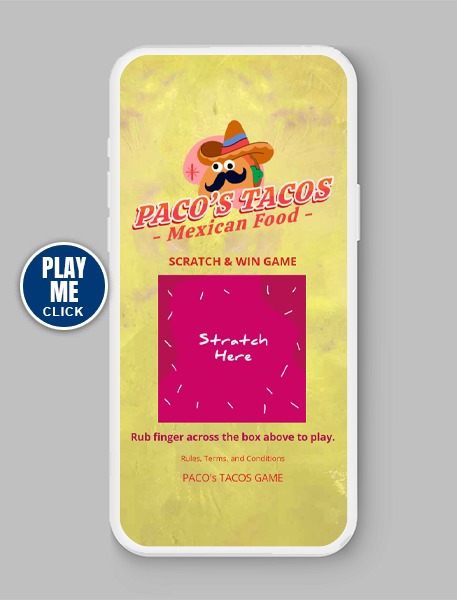
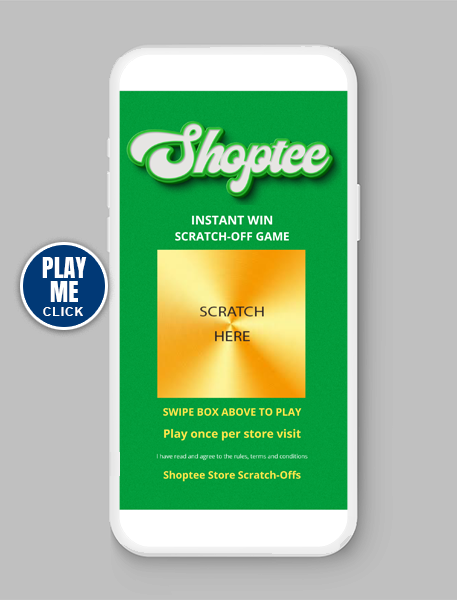
These are common questions for businesses using digital scratch-off cards at sporting events, trade shows, community events, recruiting fairs, retail promotions, and other recurring activities.
Priiize Digital Scratch-Off Games provides flexible prize inventory controls that allow businesses to manage a single branded campaign across multiple events without creating an entirely new game each time.
With the right campaign configuration, you can:
Manage winning and non-winning outcomes across an entire campaign or individually by event.
Adjust prize quantities based on estimated attendance.
Carry unawarded prizes forward to future events.
Reset prize results between events.
Download participant and winner reports before resetting.
Continue using the same branded game, QR code, and game URL.
The key is selecting the right prize inventory strategy before your campaign begins.
The Challenge: You Don’t Know Exactly How Many People Will Play
Imagine your business is sponsoring 25 sporting events throughout the season.
At each event, you want to offer:
You expect approximately 1,000 participants per event, but attendance and participation will vary.
One event might attract 600 players. Another might attract 1,200.
If you configure too few scratch-off outcomes, some attendees may be unable to play. If you configure all prizes globally across the entire campaign, your winning prizes may not be distributed evenly among events.
Priiize offers two approaches to managing this situation.
Option 1: Manage Prize Inventory Across Your Entire Campaign
The first approach is to configure the total number of winning and non-winning scratch-off outcomes for the entire promotional campaign.
For example, suppose you are planning 100 events with an estimated combined total of 100,000 scratch-off plays.
Your prize inventory might be configured as follows:
| Scratch-Off Outcome Available | Quantity |
|---|
| Prize A | 100 |
| Prize B | 100 |
| LOSER (Non-Winning Reveal) | 99,800 |
| Total Available Plays | 100,000 |
With this approach, all events share the same prize inventory.
Priiize uses strict probability-based prize selection based on the configured outcomes and remaining inventory.
Important: Global Inventory Does Not Guarantee Winners at Each Event
Although your campaign includes 100 of Prize A and 100 of Prize B, this does not guarantee that exactly one of each will be awarded at every event.
Some events may produce multiple winners, while others may produce none.
This approach is best suited for promotions where the total number of prizes awarded throughout the campaign matters more than the distribution of prizes at individual events.
Best for: Continuous promotions, seasonal giveaways, retail campaigns, and programs that do not require separate prize allocations for each event.
Option 2: Manage Prize Inventory Separately for Each Event (Recommended)
For organizations hosting recurring events, managing prize inventory separately for each event provides greater control.
Instead of allocating all available prizes at the beginning of the campaign, you configure the winning and non-winning outcomes for each event.
Example: 1,000 Scratch-Off Plays at One Event
Suppose you anticipate 1,000 players at an upcoming event.
You could configure your inventory as follows:
| Scratch-Off Outcome Available | Quantity |
|---|
| Prize A | 1 |
| Prize B | 1 |
| LOSER (Non-Winning Reveal) | 998 |
| Total Available Plays | 1,000 |
This configuration provides 1,000 available scratch-off outcomes, including two potential winning outcomes.
However, if attendance exceeds your estimate, you risk exhausting the available inventory before everyone has an opportunity to play.
Add an Attendance Buffer to Avoid Running Out of Plays
Because participation is unpredictable, we recommend adding extra non-winning outcomes to accommodate unexpected attendance.
For example, if you anticipate 1,000 participants, you might configure:
| Scratch-Off Outcome Available | Quantity |
|---|
| Prize A | 1 |
| Prize B | 1 |
| LOSER (Non-Winning Reveal) | 1,098 |
| Total Available Plays | 1,100 |
This provides an additional 100 plays above your estimated attendance.
The additional LOSER outcomes help reduce the possibility of running out of available scratch-offs.
Important: Increasing non-winning inventory also changes the probability of winning. Configure your inventory to match your promotional goals and Official Rules.
Does One Prize A and One Prize B Guarantee Two Winners?
No.
Priiize uses strict probability-based prize selection, not guaranteed winner placement.
Configuring one Prize A and one Prize B makes those prizes available to award, but it does not guarantee both will be won before the event ends.
If either prize remains unawarded, you can carry it forward to a future event.
Best for: Sporting events, credit union promotions, recruiting fairs, community events, trade shows, and recurring venue promotions.
What Happens When All Scratch-Off Outcomes Have Been Used?
One of the most common questions we receive is:
“If we configure 1,000 scratch-off plays and 1,001 people try to participate, what happens to the 1,001st player?”
Once all available winning and non-winning outcomes have been exhausted, the next person who scans the QR code or clicks the game URL will see the message:
“There are no more prizes to be won in this game.”
The player will not receive another scratch-off outcome until you add more inventory.
That is why planning for attendance fluctuations matters.
If you expect 1,000 participants, consider adding a reasonable buffer based on attendance history, venue capacity, and expected participation rates.
→ Priiize FAQ
How to Determine the Right Number of Non-Winning Outcomes
Base the number of non-winning outcomes on expected participation, not total event attendance.
For example, a sporting event may have 5,000 attendees, but not everyone will scan the QR code and play.
To estimate your scratch-off inventory, consider:
Historical attendance: Review attendance figures from similar past events.
Expected participation: Estimate how many attendees will scan the QR code or access the game.
Promotion visibility: A QR code displayed on a jumbotron may generate different participation than a QR code printed on a table sign.
Event duration: Longer events may create more opportunities for participation.
Additional inventory: Include a reasonable buffer to accommodate unexpected demand.
As your campaign progresses, your actual participation reports can help you refine inventory estimates for future events.
How to Carry Unawarded Prizes Forward to the Next Event
What happens if Prize A is awarded, but Prize B is not?
You do not necessarily have to abandon the unawarded prize.
For example:
Event 1
Prize A: 1 awarded
Prize B: 0 awarded
If your promotional rules permit rollover, you could configure the following inventory for Event 2:
Event 2
This allows you to carry available prize inventory forward while maintaining control over the total number of prizes offered.
Prize rollover should always be consistent with your campaign’s published Official Rules.
How to Reset Your Priiize Scratch-Off Game Between Events
One advantage of using Priiize for recurring events is that you can keep the same branded game while updating its prize inventory.
However, you must follow an important procedure after each event.
Step 1: Download Your Participant and Winner Reports
Before resetting any prize results, download your:
Opt-In Excel report
Winners Excel report
Save these reports securely for your campaign records.
These reports let you keep separate records for each event, including participation and winning outcomes.
→ Build your email list with sweepstakes
Step 2: Reset the Prize Results
From your Priiize Dashboard:
Go to TAB 5 Prize – Set up your prize.
Click the RESET PRIZES button.
Reset the prize results to zero.
Important: Download Your Reports Before Resetting
Resetting prize results permanently clears the associated collected data. Once the information is cleared, you can’t retrieve it.
Always download and securely save your Excel reports before resetting the game.
This is particularly important for organizations using Priiize for lead generation, email list building, prize fulfillment, or event participation reporting.
Step 3: Adjust Your Prize Inventory for the Next Event
After resetting the results, review your available winning and non-winning outcomes.
You can:
Adjust the number of LOSER outcomes.
Configure the winning prize inventory for the upcoming event.
Include unawarded prizes from previous events when appropriate.
Increase or decrease total available plays based on anticipated participation.
Step 4: Confirm Your New Inventory
Before the next event begins, verify that your winning and non-winning quantities are correct.
You can then reuse your game with its existing branding, QR code, and game URL.
One Scratch-Off Game, One QR Code, Multiple Events
Another key advantage of a multi-event Priiize campaign is that you don’t need to create a new game for every event.
Your organization can continue using the same:
This makes it easier to incorporate your promotion into recurring marketing activities.
For example, a sports sponsor could display the same QR code on the arena jumbotron at every home game throughout the season.
A credit union could use the same QR code at multiple community events.
A recruiting organization could reuse the same branded scratch-off game at different career fairs while adjusting prize inventory between events.
The underlying campaign remains consistent while prize inventory and reporting are managed separately.
Industries That Benefit From Multi-Event Digital Scratch-Off Campaigns
Sports Teams and Venue Sponsors
Display your scratch-off game’s QR code on jumbotrons, digital signage, or promotional materials during recurring games and events.
Manage prize quantities based on expected participation at each event.
Banks and Credit Unions
Use branded scratch-off games for Banks and Credit Unions at community events, branch promotions, financial education programs, and sponsorship activities.
Configure different event inventories while maintaining a consistent promotional experience.
Recruiting and Career Fairs
Use scratch-off games to attract prospective employees, collect contact information, and increase engagement at multiple recruiting events.
Download your participant reports after each event and prepare the game for the next location.
Trade Shows and Exhibitions
Encourage booth visitors to scan a QR code and play for promotional prizes.
Manage prize quantities based on estimated booth traffic and reuse the same campaign at future exhibitions.
Retail and Franchise Promotions
Support recurring store promotions, grand openings, customer appreciation events, and seasonal campaigns.
Maintain consistent branding while managing prize inventory based on individual promotional needs.
Frequently Asked Questions About Multi-Event Scratch-Off Games
Can I use the same QR code at every event?
Yes. You can reuse the same Priiize game URL and QR code throughout your campaign while updating prize inventory between events.
Can I change the number of LOSER outcomes before each event?
Yes. You can adjust the available non-winning inventory based on expected participation.
What happens if an event has more participants than expected?
If all configured outcomes are exhausted, additional players will see the message, “There are no more prizes to be won in this game.“
Adding an attendance buffer helps reduce this risk.
Can I guarantee that one Prize A and one Prize B will be won at each event?
No. Priiize uses strict probability-based prize selection. Configuring one of each prize establishes the available inventory but does not guarantee that both will be awarded during an event.
Can I roll unawarded prizes into the next event?
Yes. You can adjust the next event’s available prize inventory to include unawarded prizes, as long as this is consistent with your Official Rules.
Do I need to create a new game for every event?
No. You can continue using the same branded scratch-off game, QR code, and URL across multiple events.
Will my previous event’s data remain available after resetting prizes?
No. Resetting prize results clears the associated collected data. Download and save your Opt-In and Winners Excel reports before resetting.
Can Priiize help us configure a multi-event campaign?
Yes. Priiize can help configure your initial campaign based on your promotional objectives, prize inventory, expected participation, and event schedule.
Plan Your Multi-Event Digital Scratch-Off Campaign With Priiize
Whether you’re organizing five events or an entire season of recurring promotions, Priiize helps you manage digital scratch-off campaigns with flexible prize inventory controls and reusable promotional assets.
From sporting events and credit union promotions to trade shows and recruiting programs, you can use one branded scratch-off game across multiple events while managing winning and non-winning outcomes to match your campaign strategy.
One Branded Scratch-Off Game. Multiple Events. Flexible Prize Inventory Management.
REQUEST YOUR FREE PRIIIZE DEMONSTRATION
See how Priiize can support your next multi-event promotional campaign.
→ Digital scratch-off game examples.
For a more detailed explanation, read our How to Manage Digital Scratch-Off Games Across Multiple Events guide.